

Features
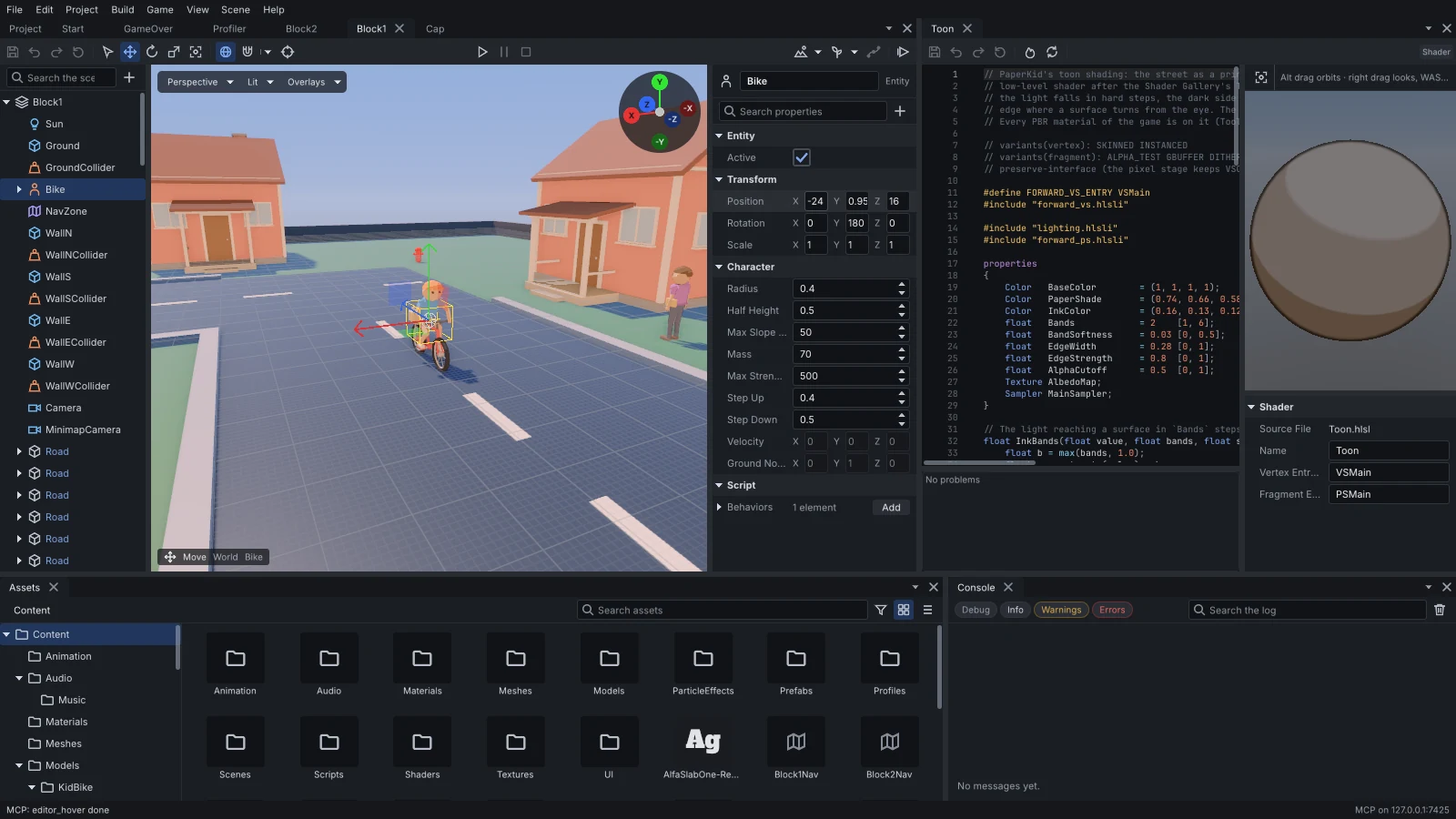
The editor
One window for the whole project, laid out in panels you dock where you like.
- A project manager to create, open and download projects.
- Scene hierarchy, a viewport with gizmos, and inspectors built from the engine's reflection.
- Terrain sculpting and painting, vegetation and spline tools in the viewport.
- An asset browser, a page for every asset type, and undo and redo throughout.
- Play in editor, with several instances side by side for a networked game.
- A profiler, a console and an MCP panel.
Rendering
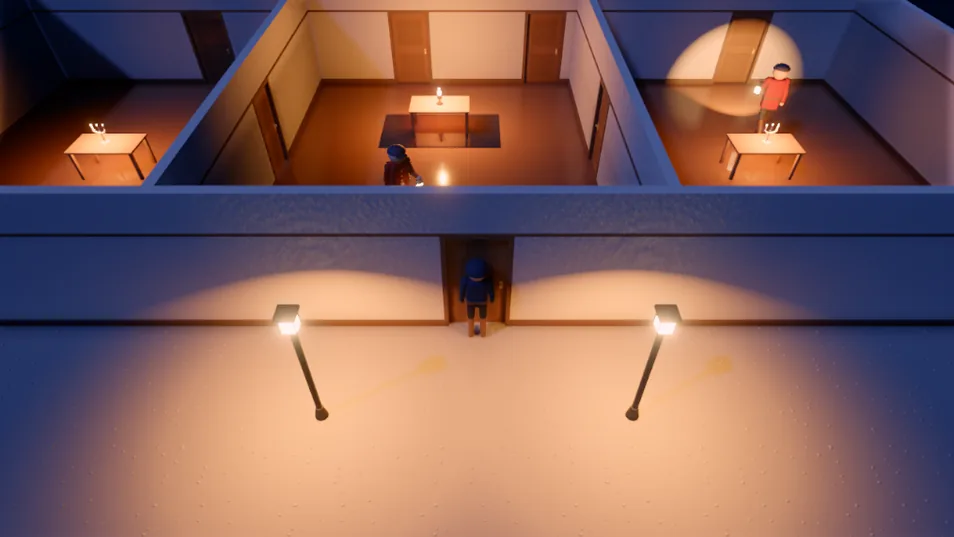
Forward PBR driven by a render graph, on Vulkan 1.3, Direct3D 12 and WebGPU (in the browser, and on the desktop through wgpu-native).
- A depth prepass and clustered lights.
- Cascaded sun shadows, and shadowed point and spot lights.
- Image-based lighting and reflection probes.
- Decals, sprites, skinned and instanced meshes.
- Render textures for in-game cameras.
- Ambient occlusion, SSR, screen-space GI, bloom, TAA, MSAA, FXAA, auto exposure and colour grading, set in environment and post profiles a game shares between its scenes.
Custom shaders
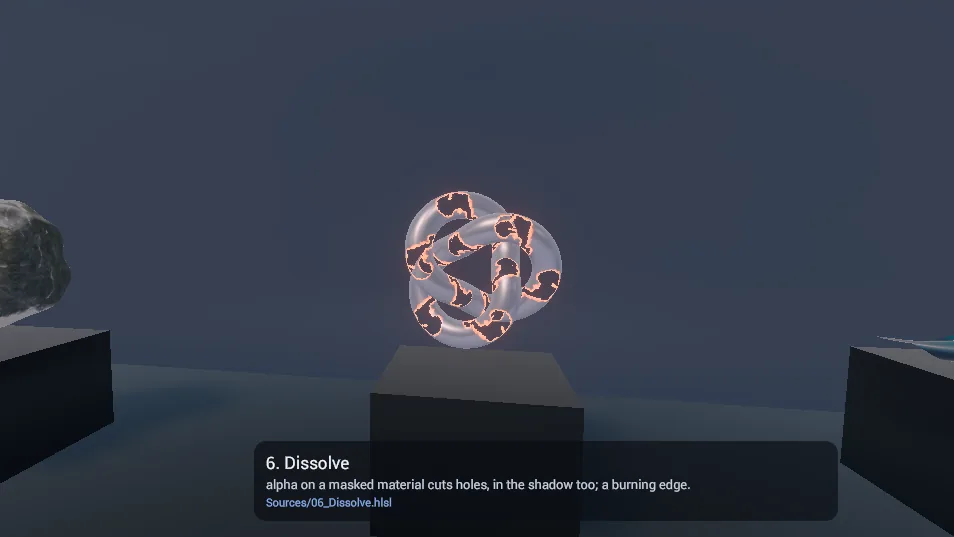
A project writes its own shaders in HLSL, with its material properties declared at the top.
- The editor checks the code shortly after each edit and draws it on a preview.
- DXC compiles it, and it is cross-compiled to WGSL for the web.
- Cooked into shader packs with the rest of the project.
Particles
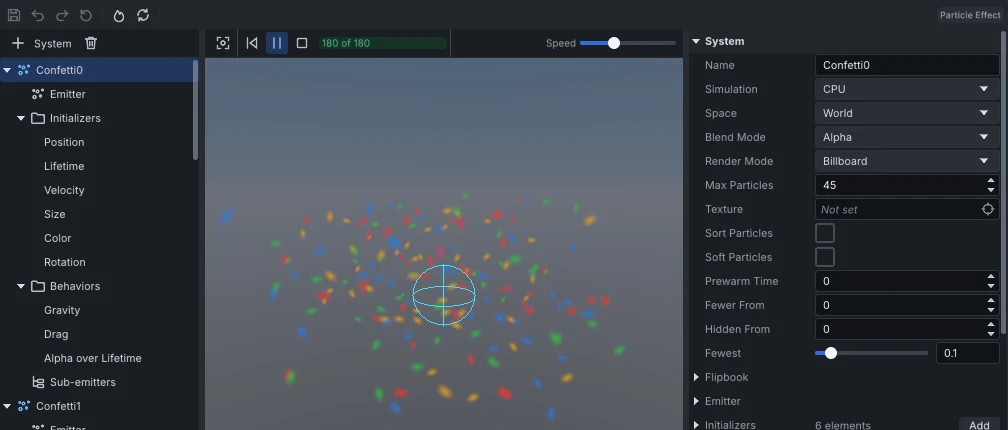
Effects built from particle systems, edited on their own page beside a live preview.
- Each system has an emitter (a continuous rate, bursts, or both) shaped as a point, sphere, hemisphere, box, cone, ring, circle or edge.
- Initializers set position, lifetime, velocity, size, colour and rotation; behaviors add gravity, drag, wind, turbulence, vortices, attractors, radial forces and collision.
- Colour, alpha, size, rotation and speed change over a particle's life, on curves and gradients.
- Particles draw as billboards (stretched, horizontal or vertical too), meshes, trails or lights, with flipbook animation, soft edges and four blend modes.
- Sub-emitters spawn into another system when particles are born or die.
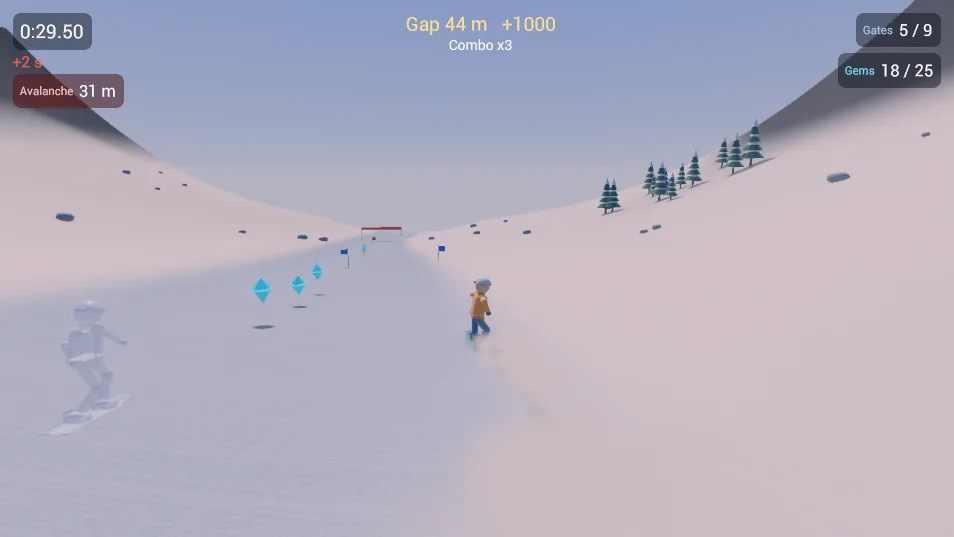
Animation
Characters and objects move through clips, graphs and solvers.
- Skeletal clips and animation graphs.
- Inverse kinematics.
- Root motion.
- Property animation of any reflected property on an entity's components.
Physics
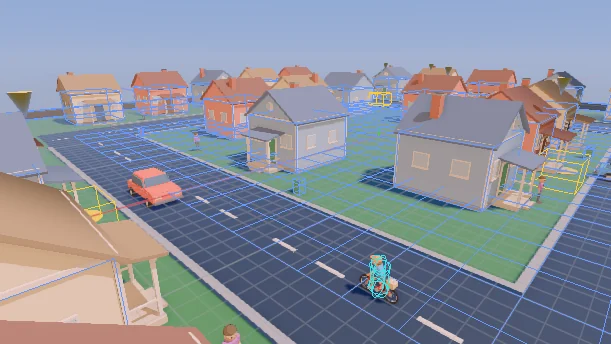
Rigid body physics on Jolt, authored as components and drawn over the scene in the editor.
- Static, kinematic and dynamic bodies, with box, sphere, capsule, plane, heightfield and cooked mesh shapes, combined into compounds.
- Triggers, and continuous collision for small fast bodies.
- A character controller for walking, climbing slopes and steps.
- Joints: fixed, point, hinge, slider and distance, with limits.
- Ray casts, shape casts and overlap queries.
Audio
Sound through miniaudio, with 3D sources, a mixer and cues.
- 3D sources with distance attenuation, a distance low-pass and doppler.
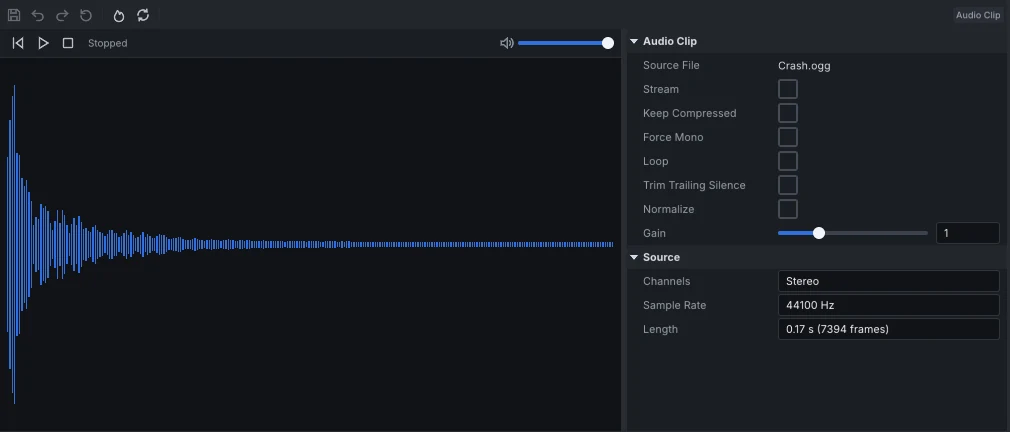
- Long clips stream from the game's content instead of loading whole.
- A bus layout sets each bus's volume and effects (low-pass, high-pass, delay, reverb), and adds buses of a game's own.
- Sound cues pick among weighted variants, at random or in turn, with pitch and volume variation.
- Clips, cues and bus layouts each have a page in the editor.
Navigation
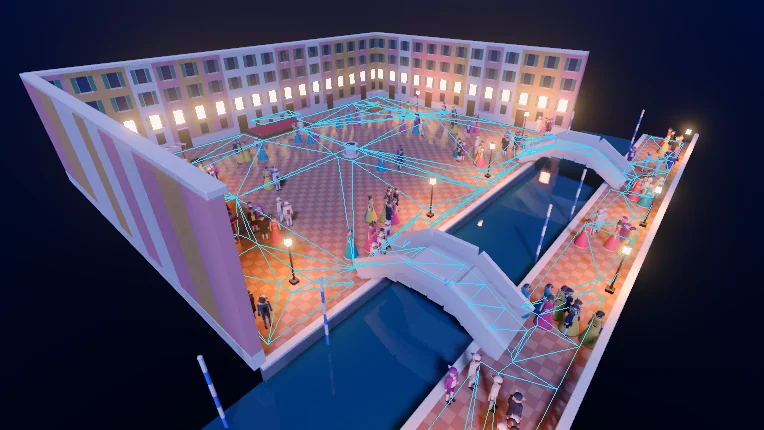
Navigation meshes baked with Recast, and agents steered through a Detour crowd.
- A navmesh zone is a box in the scene; the editor bakes the walkable surface inside it.
- The bake reads static physics bodies and terrain, so moving objects never end up in it.
- A baked navmesh follows its zone when the zone moves, with no rebake.
- Agents find paths and steer around each other; a script sends one with NavAgent.of(entity).navigate(target).
- The navmesh and agents' paths draw over the scene, in the editor and in a running game.
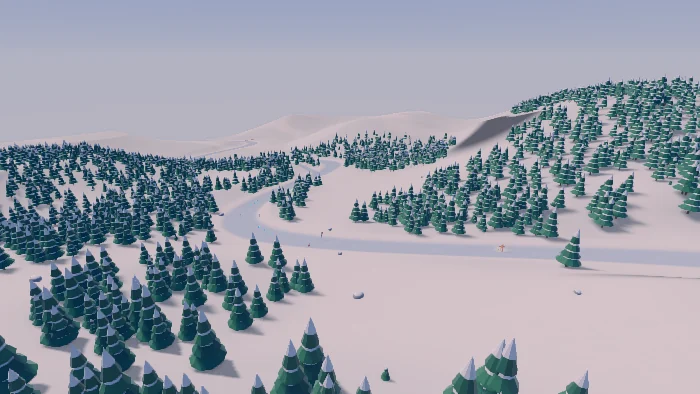
Terrain and vegetation
Landscapes shaped and painted in the scene viewport, and grown over with vegetation.
- A heightfield imported from a 16-bit heightmap, or sculpted from flat: raise, lower, smooth and flatten.
- Splat painting with a palette of layers, each with its albedo, normal, ORM and height maps, blending where they meet.
- Holes cut through the terrain, which stop drawing, colliding and counting as walkable.
- Grass, flowers and rocks grown from the painted layers, and props placed with a brush.
- Physics and navigation use the same heightfield.
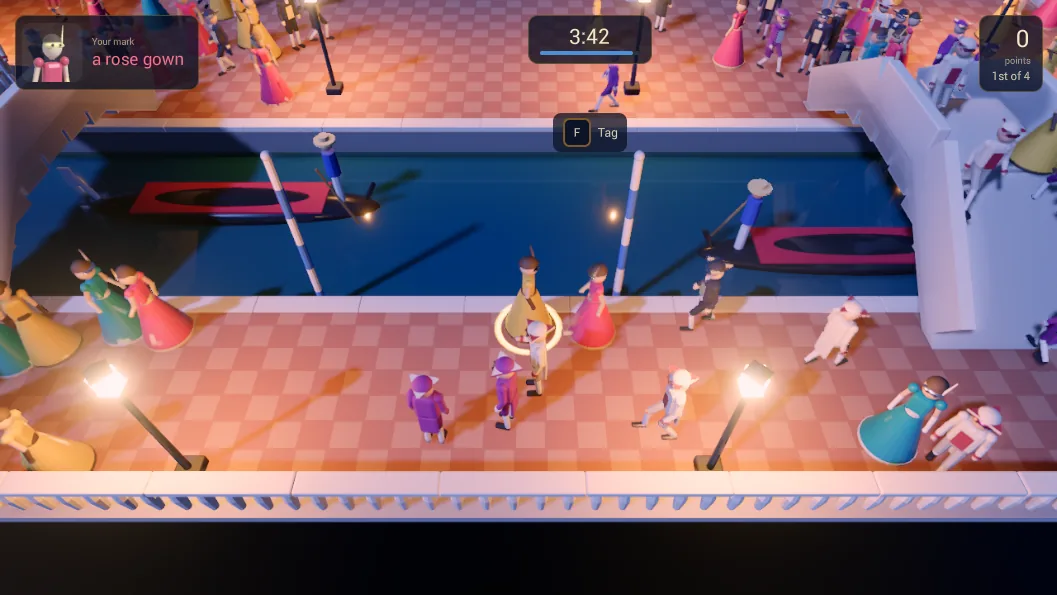
Networking
Multiplayer over reliable UDP, with a host and its clients.
- State replication from the components themselves: mark a property as replicated, and it streams, with no network code of its own.
- Snapshots, per-peer deltas, spawning, relevancy and client interpolation.
- RPCs, callable from scripts.
- A desktop host accepts browser players too, over WebSocket.
- An HTTP client with TLS, for a game's own web services.
- Play in editor runs a host and its clients side by side to test it.
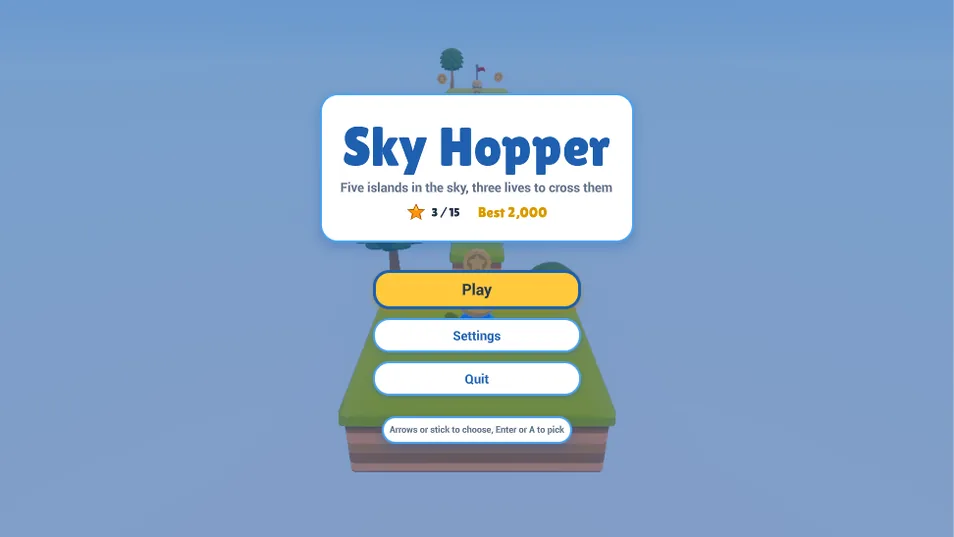
UI
A retained-mode GUI for game screens, built from markup and styled with CSS. The editor itself is built on it.
- XML markup, and CSS sheets with the cascade, variables, transitions, animations and media queries.
- Flex, grid and stack layouts.
- Shaped bidirectional text, distance field fonts and SVG vector graphics.
- Keyboard and gamepad navigation, data binding and world-space UI.
- A game kit for screens and prompts. Scripts can create and control any widget.
Scenes and prefabs
Scenes of entities in a transform hierarchy, each with its components. Prefabs nest, and an instance keeps its own changes as overrides: apply them back to the prefab to update every instance, or discard them.
Hot reload
Change a script, a texture, a particle effect or a UI screen and the running game picks up the new version once it cooks. Script values set in the editor survive the reload.
Input
Input maps bind actions to keyboard, mouse, gamepad and touch, edited on their own page. Save data and splines come with the engine too.
Scripting
Gameplay in AngelScript or Luau, over the engine's reflected types: behaviours on entities, a level script per scene and a game script per run, with coroutines and events. The editor debugs scripts with breakpoints.
Assets
Importers for glTF, FBX, OBJ, images, audio and fonts. Each asset type cooks for its target, with BC7 and ASTC texture compression.
Export
Per-target presets export a game to the desktop player on Windows and Linux, to the browser (WebAssembly with WebGPU) and to the Steam Deck. Command-line tools cook and export without the editor.
Native code
A game's own C++ is a plugin package loaded with its project: components for the engine, and parts for the cook, the tools and the editor.
AI agents
An MCP host lets an agent such as Claude Code create a project, import assets, build scenes, write scripts and shaders, playtest and export, in the editor you have open or without one.