

Assiduous Engine 0.1.0-beta.2
10 November 2026
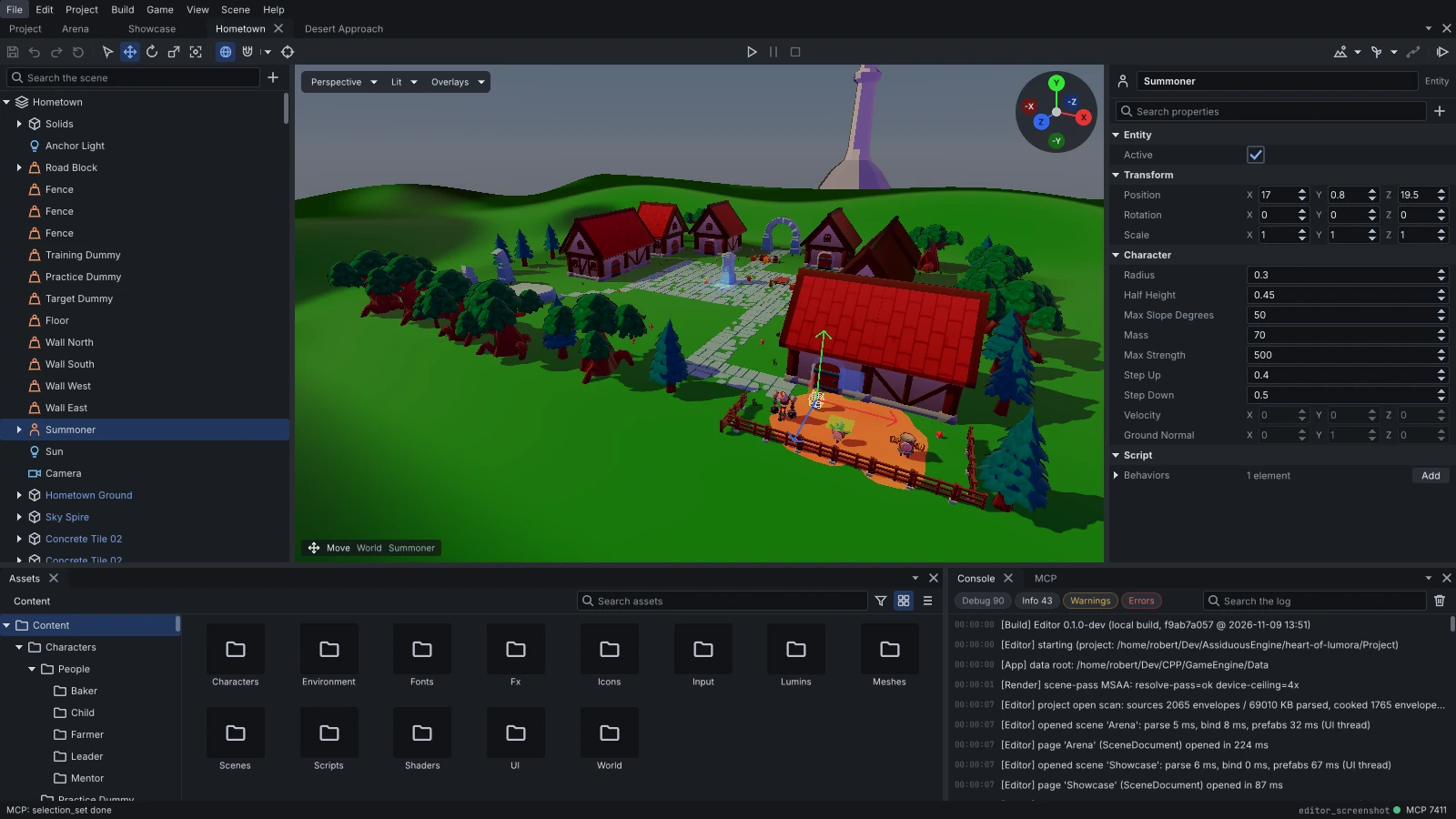
The second beta of Assiduous Engine is out.
This release is mostly about fixing issues from the first beta, along with a few additions and one change to scripting that you’ll need to account for if you’ve written scripts for 0.1.0-beta.
If you’re upgrading from 0.1.0-beta
Scene-wide functionality is now accessed directly through the scene rather than through separate helper classes.
For example, ScenePhysics::of(scene) and similar accessors are gone. These are now properties of the scene itself, so you’ll need to update any scripts that use the old approach:
| Before | Now |
|---|---|
ScenePhysics::of(scene) |
scene.physics |
SceneAnimation::of(scene) |
scene.animation |
SceneAudio::of(scene) |
scene.audio |
SceneRender::of(scene) |
scene.render |
SceneParticles::of(scene) |
scene.particles |
SceneSplines::of(scene) |
scene.splines |
SceneScripts::of(scene) |
scene.scripts |
ScenePrefabs::of(scene) |
scene.prefabs |
DebugDraw::of(scene) |
scene.debugDraw |
EnvironmentSettings::of(scene) |
scene.environment |
PostProcessSettings::of(scene) |
scene.postProcess |
The script API docs use the new spelling throughout.
What’s new
- Animation one-shots:
scene.animation.playOneShot(entity, clip)plays a clip once over the entity’s current animation, then returns to whatever it was doing before. Behaviours can useonAnimationFinished(clip)to know when playback ends.setClipalso supports crossfading now, andclipLengthgives you the duration of a clip. - Adding and removing components:
Component.addTo(entity)andComponent.removeFrom(entity)are now available alongsideComponent.of, in both AngelScript and Luau. - Input prompts:
Input.describe(action)tells you which key or button is bound to an action, making it easier to show players what to press. - Scene references in components: Native component fields can now reference a scene, which is useful for things like a level’s exit destination. You can pick the scene in the inspector, and the reference is preserved when exporting.
- External file changes: The editor now detects scenes, prefabs and assets that change outside the editor, whether from a
git pullor another tool. - Script simulation: The Simulate option on a scene page now shows what your scripts draw on screen.
Fixes
Some of the more noticeable ones:
- Games launched from their project folder can now spawn prefabs and load scenes from scripts.
- Pruned exports no longer miss assets referenced only through script properties.
- Prefabs are no longer read from disk every time they’re spawned.
- Destroying an entity now properly removes its colliders from the physics world and stops any sounds it was playing.
- Setting struct properties from scripts now works, including nested properties like
light.color.r. - Importing assets no longer freezes the editor for several seconds in larger projects.
- Context menus now appear in the correct position at UI scales other than 100%.
The full list is in the changelog.
Get it
Grab the latest download for your platform, or see everything in the 0.1.0-beta.2 release on GitHub. The sample games come with the new spelling, and the editor’s project manager downloads the ones for its version.
If you run into something, open an issue and I’ll take a look.